Automated AutoLog
Since 1997 · The original Automated AutoLog

Mileage logs and reports, done for you

Track business trips by GPS as you drive, or let Full Automation build a complete year of daily mileage entries from your odometer readings. Vehicle expenses and clean PDF or CSV reports, all in one app.

Download on the App Store Get it on Google Play

Free 3-day trial · no payment details needed

Two ways to keep an accurate mileage log

Use either one, or both. Then turn your records into reports whenever you need them for tax time, a reimbursement claim or your accountant.

GPS trip tracking

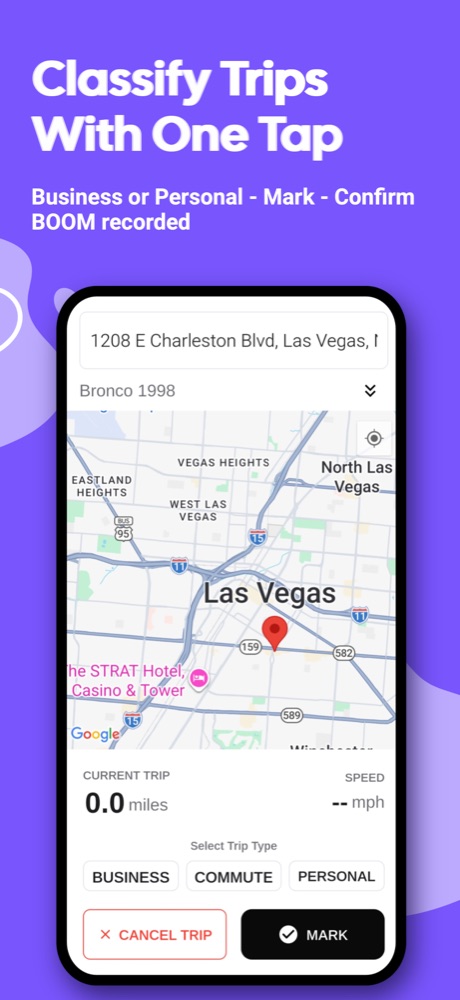
The app measures each trip with GPS while you drive, even with the screen locked.

  • Mark each trip business, commute or personal with one tap
  • Live map with your speed and destination
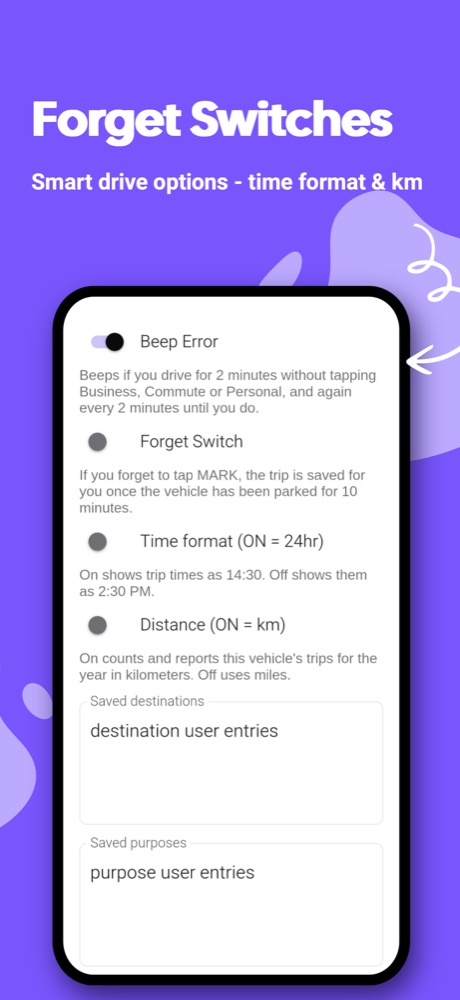
  • Optional reminder beep if you forget to mark a trip
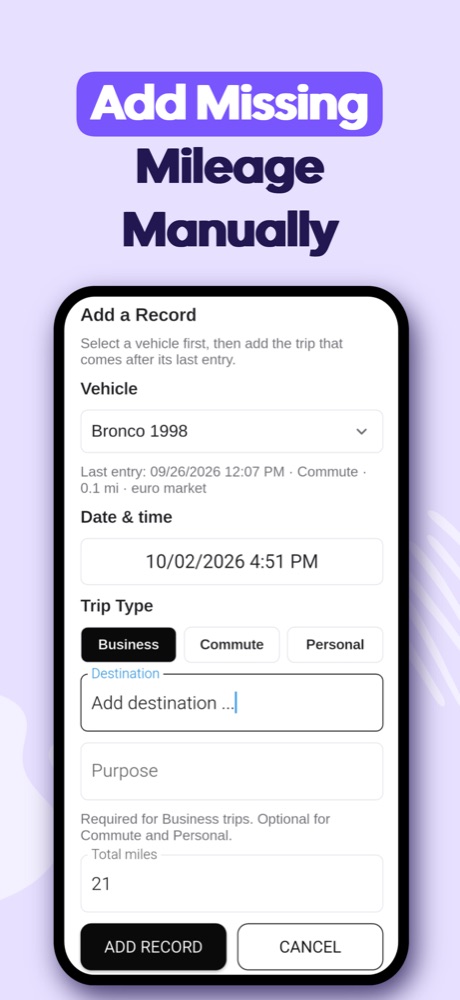
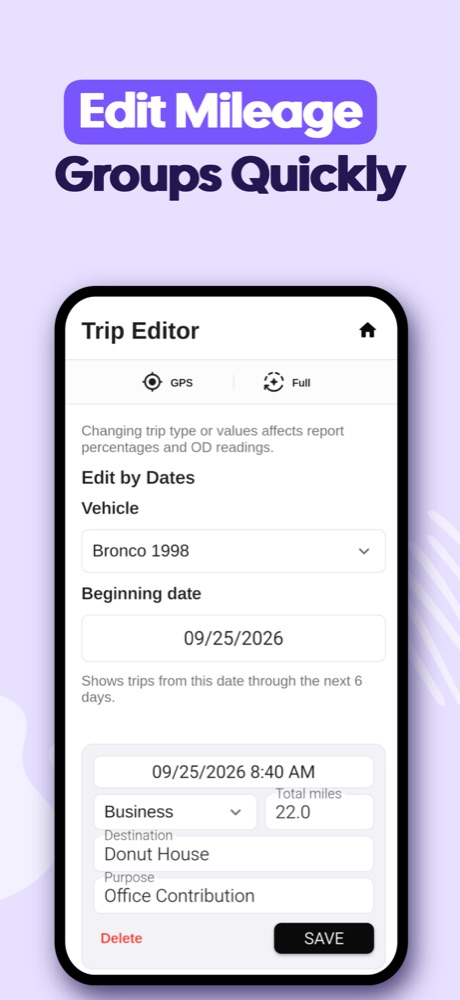
  • Add or edit trips later in the Trip Editor

Full Automation

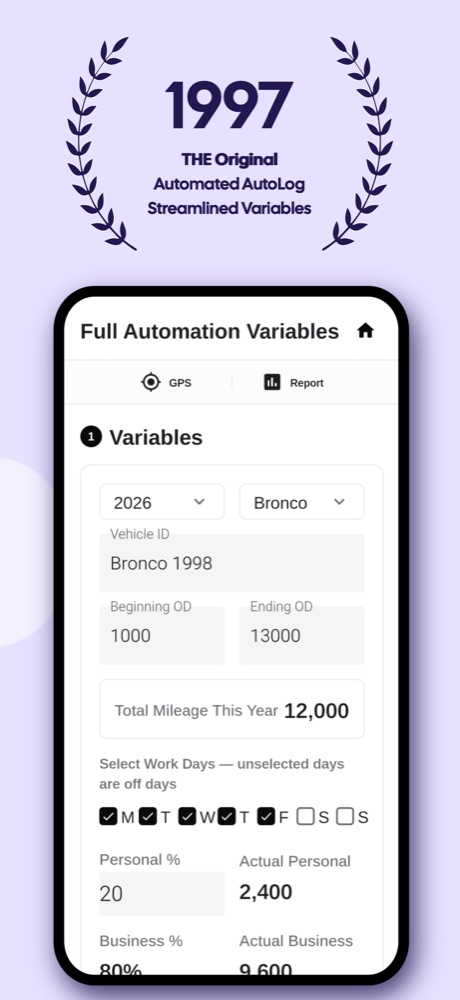
Enter a few numbers and Automated AutoLog builds the whole year for you.

  • Your starting and ending odometer readings for the year
  • Your work days and your business and personal split
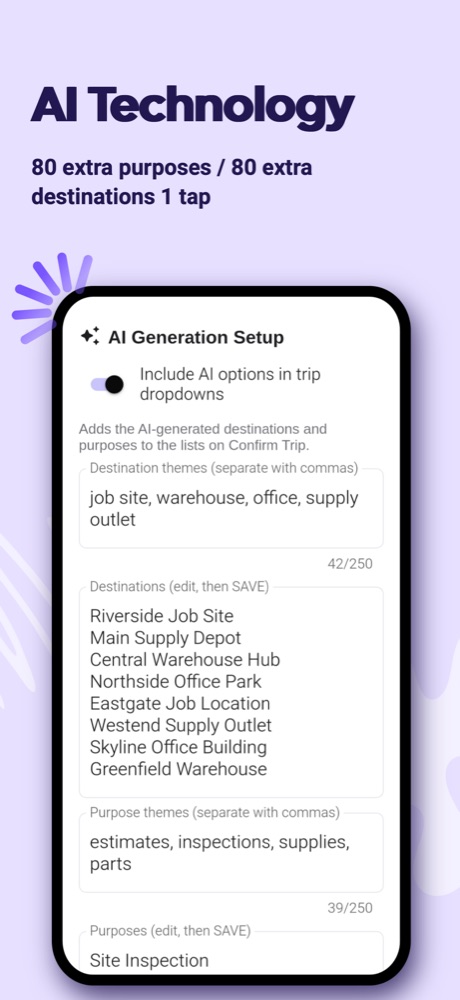
  • Your usual destinations and purposes, or let AI suggest them from a few themes
  • Daily entries with natural variation that add up exactly to your odometer totals

Everything a business vehicle needs

Vehicle expenses

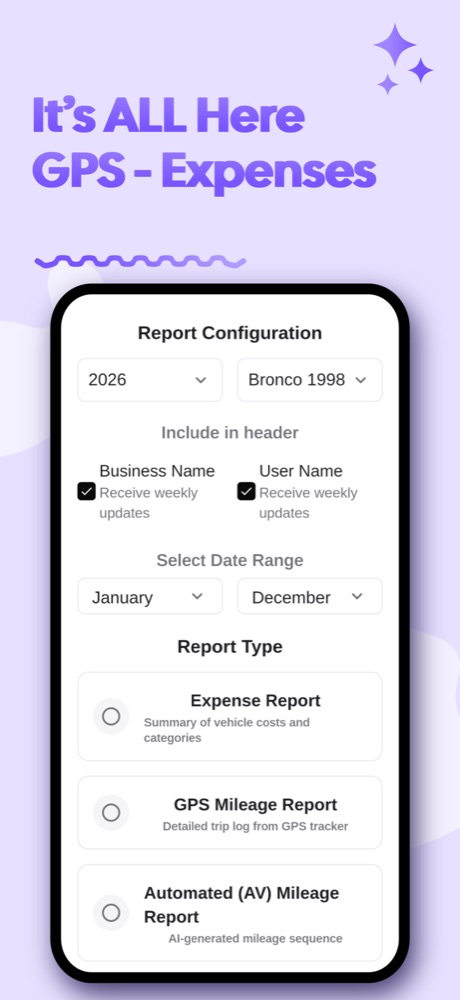
Fuel, maintenance, repairs, insurance, tires, parking, tolls and more, by category. Add your own categories and use your own currency symbol.

PDF and CSV reports

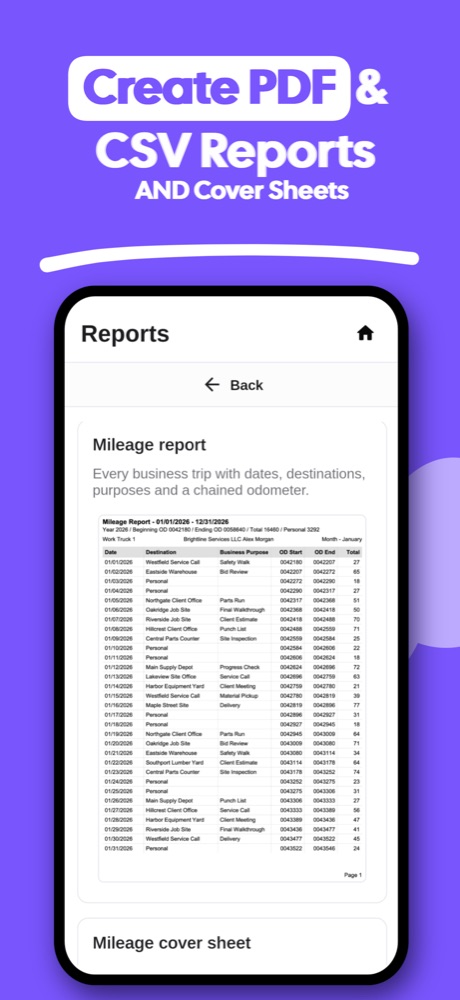
Mileage reports from your GPS trips or your automated year, expense reports by category, and optional cover sheets with your totals.

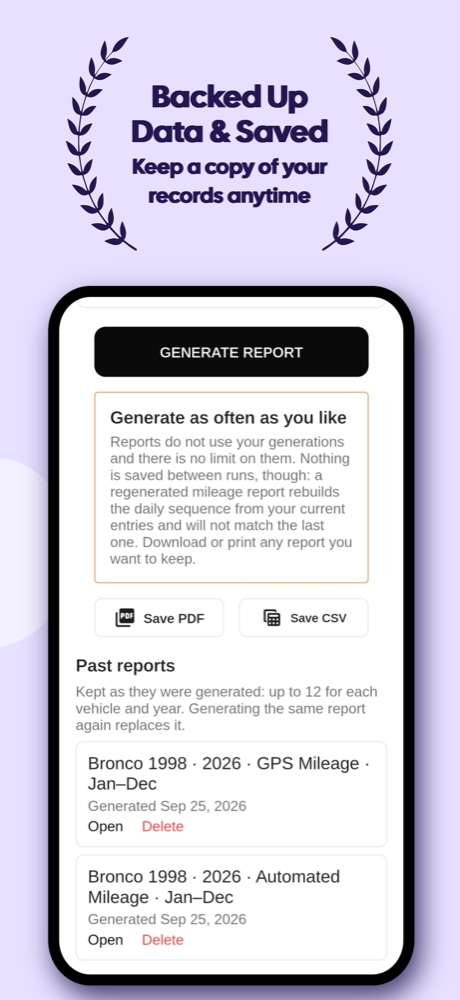
Past reports kept

Reports you generate are saved in the app exactly as they were made, ready to open, share or print again.

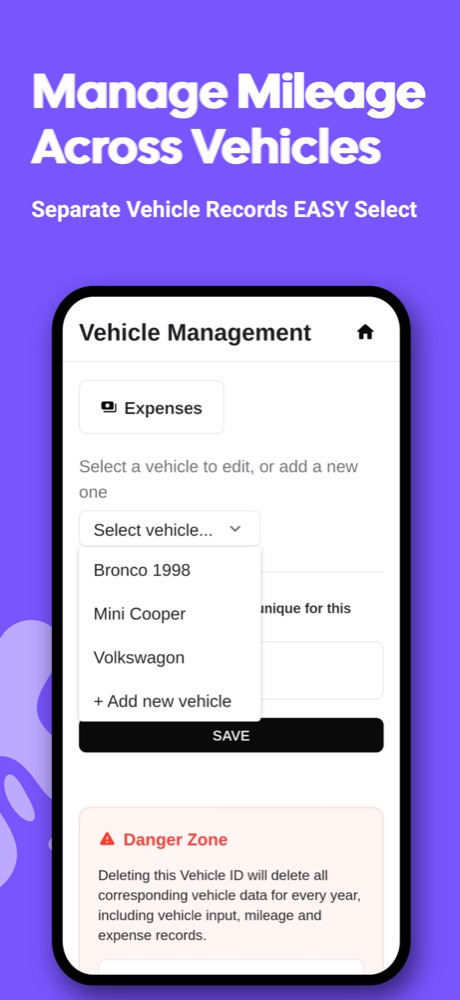
Several vehicles

Keep separate records for each vehicle, each in miles or kilometers, with odometer photos for the start and end of the year.

AI suggestions

Give a few themes and AI suggests about 80 destinations and 80 business purposes. Edit any line, or type your own.

Private to you

Your records belong to your account only. Sign in with Apple, Google or email, and delete your account and data at any time.

Made for people who drive for work

Self-employed Contractors Small business owners Sales reps Real estate agents Delivery drivers Rideshare drivers Employees reimbursed for business miles
Automated AutoLog app icon

Try it free for 3 days

No payment details are needed for the trial, and everything you enter is kept when you subscribe. After the trial, a yearly subscription keeps your log and reports going. The price is shown in the App Store or Google Play before you buy, and you can cancel anytime in your Apple or Google account.

Download on the App Store Get it on Google Play

Questions

Do I need to use both GPS tracking and Full Automation?

No. Use whichever suits how you work. GPS tracking records real trips as you drive; Full Automation builds a year of entries from your odometer readings, work days and usual destinations. The two are kept separate, each with its own report.

Miles or kilometers?

Either. Each vehicle can be set to miles or kilometers, and its trips and reports follow that setting.

What do the reports look like?

Clean PDF pages you can save, print or email, plus CSV files that open in Excel, Numbers and Google Sheets. Optional cover sheets put your totals on one page.

What language is the app in?

The app itself is in English.

How do I get help?

Read the User Guide, or tap Send Feedback on the app's home screen to email us.